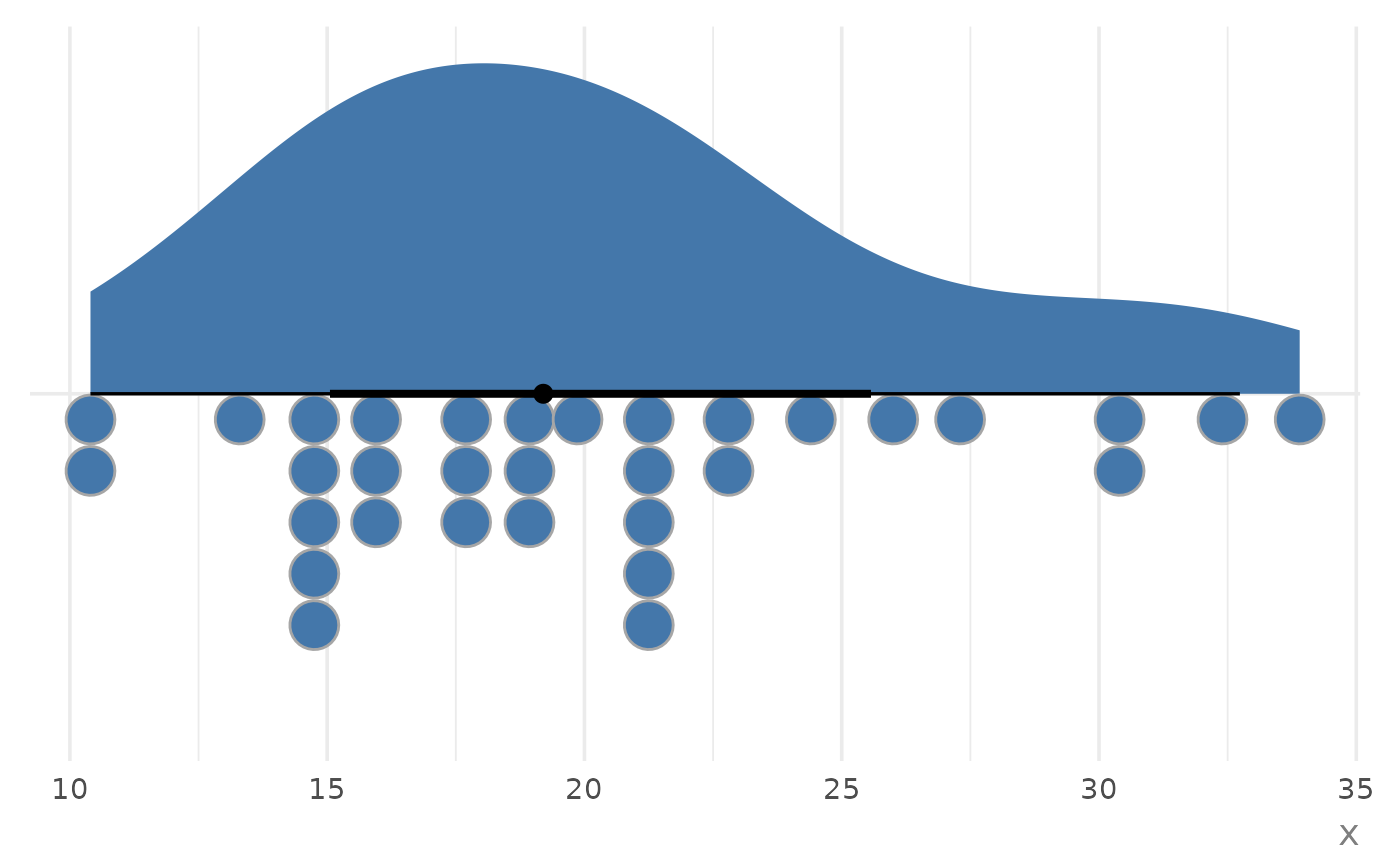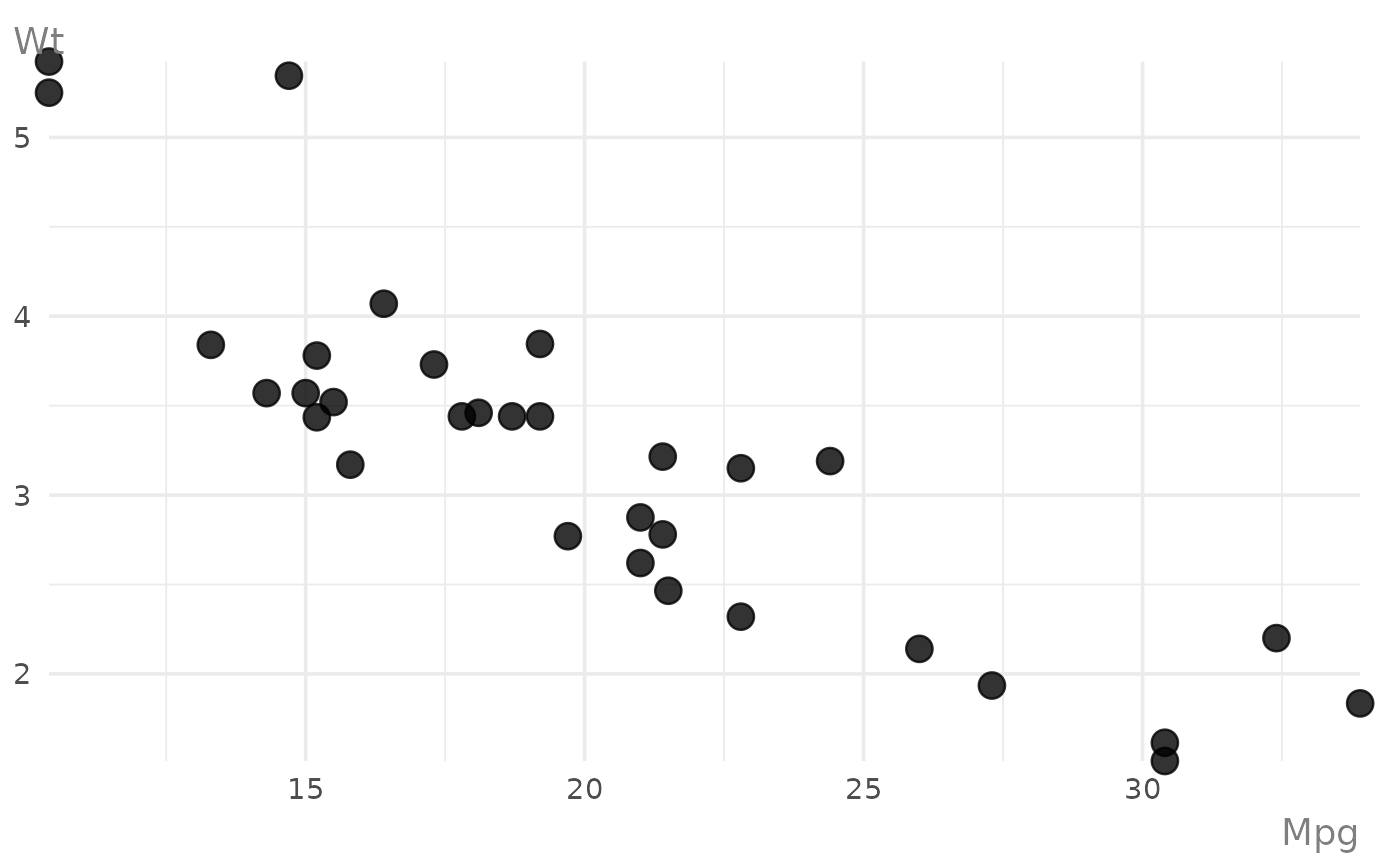
Automatically create an appropriate 'ggplot2' chart type based on the classes of the provided variables.
Usage
ggauto(
  data = NULL,
  ...,
  xlab = NULL,
  ylab = NULL,
  title = NULL,
  subtitle = NULL,
  caption = NULL,
  base_size = 14,
  base_family = "sans"
)
Arguments
- data
A data frame, or a bare vector when not using the pipe.
- ...
Unquoted column names to plot (e.g.
v1, v2).- xlab
Label for the x-axis.
- ylab
Label for the y-axis.
- title
Optional plot title.
- subtitle
Optional plot subtitle.
- caption
Optional plot caption.
- base_size
Base font size. Defaults to
14.- base_family
Base font family. Defaults to
"sans".